
Đăng bởi
Do Huy
14/05/2026
How to Decide if iPhone 14 Pro Max is Still Worth Buying
This guide provides a comprehensive step-by-step approach to evaluating the iPhone 14 Pro Max for today’s market. By following these steps, buyers and tech enthusiasts will know exactly how to judge the device’s hardware, performance, and long-term value.
Mục lục
ẩn
Step 1: Inspecting the Physical Build and Weight
- Before anything else, you must feel the “heft and build quality” of the device to ensure it is genuine.
- Check the stainless steel rails for deep scratches or dents that could indicate internal damage.
- Note that this model is significantly “heavier than the iPhone 15 Pro Max”, so ensure the weight is comfortable for your daily use.
- Verify that the buttons provide tactile feedback and the Lightning port is clean and functional.
Step 2: Testing Display Fluidity and Dynamic Island
- Next, activate the screen to test the “120Hz ProMotion technology” by scrolling through menus rapidly.
- Look closely for any screen burn-in or dead pixels, which are common in older OLED panels.
- Interact with the “Dynamic Island” by playing music or setting a timer to see if the software animations are smooth.
- Ensure the peak brightness is sufficient for outdoor viewing, as this was a major selling point for this specific model.
Step 3: Benchmarking A16 Bionic Performance
- To test the internal health, open several heavy applications simultaneously to see how the “A16 Bionic chip” manages RAM.
- Try running a high-end game to check for thermal throttling or unexpected lag during gameplay.
- Pay attention to how quickly the “Face ID sensors” unlock the device, as this indicates the health of the front-facing sensor array.
- Remember, this chip is still “extremely powerful” for modern social media and productivity tasks.
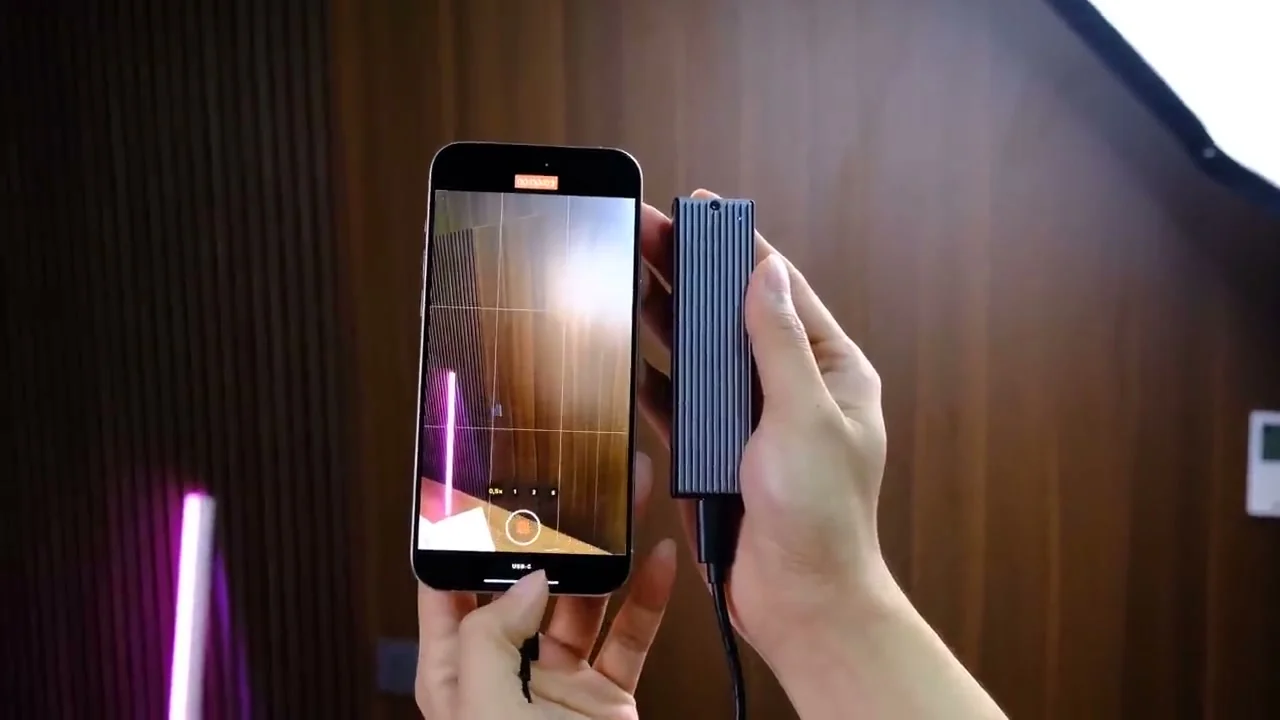
Step 4: Evaluating the 48MP Camera System
- Switch between all three lenses to ensure the “optical image stabilization” is working correctly.
- Take a few photos using the “48MP ProRAW mode” to check for sensor clarity and detail retention.
- Record a short video in Cinematic mode to see if the focus transitions remain smooth and professional.
- Check for any dust particles trapped inside the lens housing, which could ruin your photos and significantly “lower the resale value”.
Step 5: Monitoring Battery Health and Power
- Navigate to the battery settings and check the “Maximum Capacity percentage” immediately.
- Ideally, a used unit should be above 87% to ensure you can last a full day without a charger.
- Observe if the battery percentage drops rapidly during camera use, as this is a sign of a “degraded battery cell”.
- Consider the fact that this model uses “Lightning instead of USB-C”, which may affect your cable setup.

Step 6: Final Price and Market Value Assessment
- Finally, compare the asking price against the cost of a brand-new iPhone 15 or 16 series.
- If the price gap is small, the newer models might offer better “long-term software support” and lighter materials.
- However, if you find a deal at a “significant discount”, the 14 Pro Max remains a top-tier flagship.
- Always buy from reputable sources to avoid locked units or replaced non-genuine screens.

By following these six steps, you can confidently determine if the iPhone 14 Pro Max fits your needs and budget. For a visual demonstration of these tests, watch the full video linked above.